Marketing · Creative
How to Improve Restaurant Menu Photos Without Misrepresenting the Food
A practical checklist for refreshing restaurant website and delivery-menu images: accurate color, consistent crops, readable presentation, and a reliable review process.
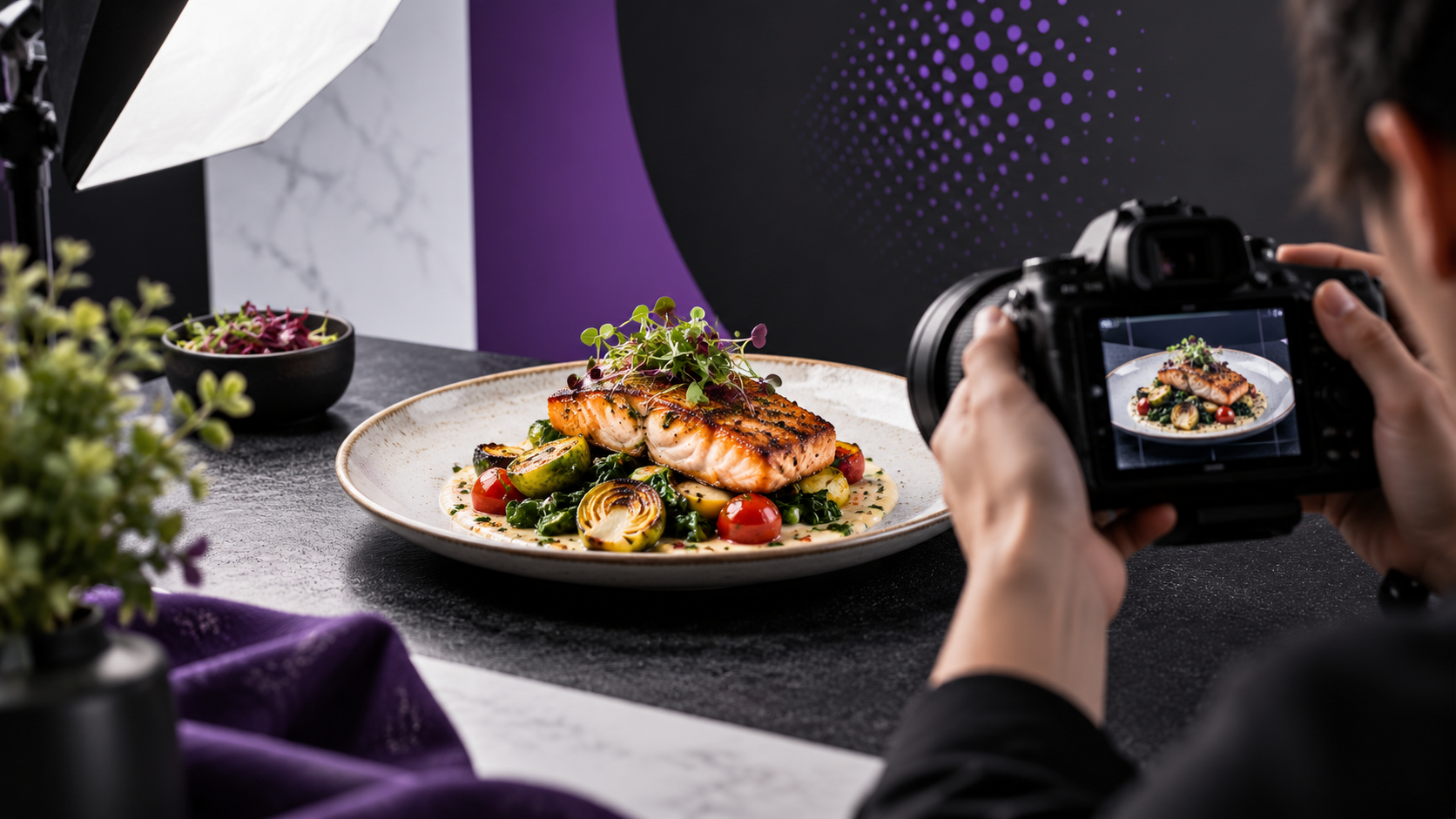
A restaurant menu photo should help someone recognize what they are ordering. A good refresh makes the real food easier to see while keeping the portion, ingredients, and presentation honest.
Start with accurate color, a clean crop, and consistency across the menu. If the original image does not show the current item clearly, taking a new photo may be better than pushing the edit further.
Audit the menu before editing
Create a list of the items and the images currently attached to them. Record whether each image is current, sharp enough, correctly named, and consistent with what the restaurant serves.
Use three categories:
- Keep: the photo is clear and accurate.
- Refresh: the source is good but needs color, exposure, or crop adjustments.
- Reshoot: the item has changed, the image is blurry, or important details are missing.
Prioritize prominent items, confusing photos, and dishes that look noticeably different from the rest of the menu. That creates a manageable first batch rather than an endless redesign.
Use the source file when you have it
An original photo gives the editor more information than a screenshot of the delivery app. Ask for the camera file or the highest-quality export available. Keep an untouched copy.
Before starting, confirm the restaurant owns the image or has permission to use and edit it. An image appearing on a public menu does not automatically make it available for another business to reuse.
Use filenames that identify the actual item. A simple item code can help separate similar dishes and different sizes.
Correct color before adding drama
Start with white balance and exposure. Food photographed under mixed restaurant lighting can pick up a color cast. Correct it so bread, sauces, vegetables, and packaging look plausible.
Adjust contrast carefully. A stronger image does not require every ingredient to become brighter or more saturated. Watch for blown highlights on cups, unnatural greens, and sauces that no longer resemble the real dish.
For AI-assisted edits, review the item closely. Reject invented toppings, altered portions, changed logos, or reconstructed textures that misrepresent the product. If a detail cannot be recovered reliably, use a different source or reshoot it.
Create a crop plan for each destination
Check the current image requirements in the restaurant’s actual website or delivery-platform dashboard before exporting. Different placements may crop the same image differently.
Keep important food details away from the edges. Preview the photo inside the real menu card rather than judging only the full-size file.
Use a consistent crop approach across a group of items. Consistency means the images feel related; it does not mean every dish must sit in an identical artificial scene.
Compare before and after at menu size
Review a small thumbnail first, then inspect the larger image. The thumbnail tests whether the dish is readable. The larger view catches unwanted changes.
Ask the restaurant to check:
- Is this the correct menu item and size?
- Are ingredients and portions still accurate?
- Does the color resemble the food customers receive?
- Has packaging or branding changed accidentally?
- Does the crop work in the intended placement?
A clearly labeled before-and-after review makes these decisions easier. Give each item a simple status so approved files do not get mixed with drafts.
Replace the files carefully and keep a record
Match the approved image to the correct item. Check the live menu after uploading, including on mobile. Keep the original, final export, and approval record together so a later update can be traced.
Do not assume better-looking images automatically increase orders. Watch what changes after the refresh, taking promotions, prices, availability, and traffic into account.
The same assets may also support a restaurant website refresh when their crops and permissions fit. Royal Studios can help with creative cleanup and consistent online presentation. Send us a few menu images and the pages you want to improve.