Creators · Branding
What Should a Creator Media Kit Include? A Practical Brand Deal Checklist
Build a media kit that explains your audience, shows relevant work, and makes it easy for a brand to discuss a collaboration without guessing what you offer.
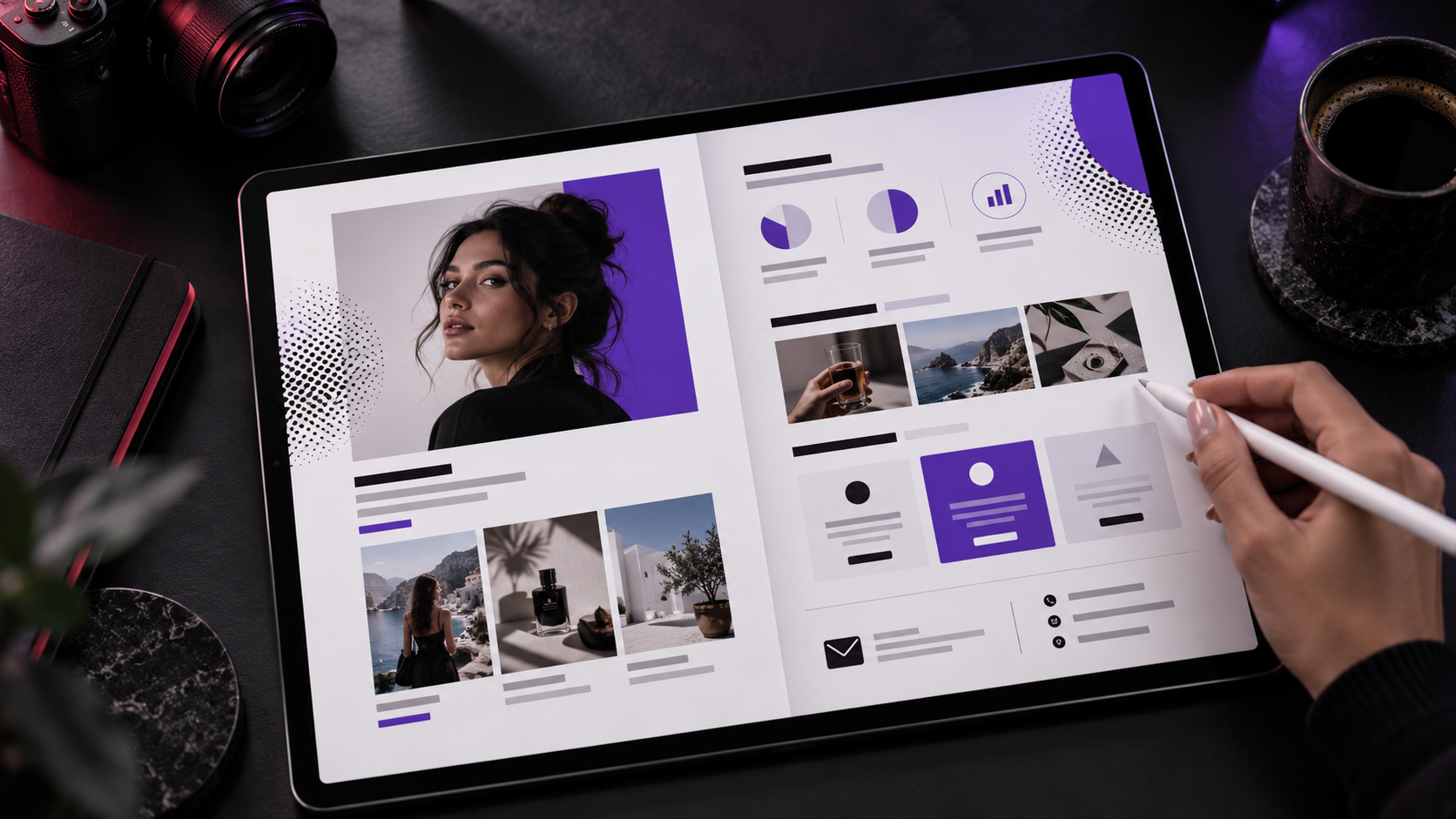
A creator media kit is a short introduction to your audience, your work, and the ways a brand can collaborate with you. Its job is to help someone decide whether a conversation makes sense.
Include your positioning, dated audience information, relevant examples, available deliverables, and a direct business contact. You can start with a clean one-page document or a mobile-friendly website page.
Start with the audience and the reason they watch
Explain your content in ordinary language. “I make home renovation videos for people planning their first remodel” gives a brand more useful context than “lifestyle influencer.”
Include your main platforms and link to the actual profiles. Add audience location or demographics only when your analytics support them. If you do not have a reliable figure, leave it out rather than guessing.
This description should help a brand understand the connection between its customers and the people who already watch you.
Label every number
Choose a recent reporting period and name it. For example: “Account views during September” or “Typical views across the last ten comparable videos.”
Lifetime views, follower counts, and a single breakout video tell different stories. Keep them separate. If your platform reports impressions rather than views, use its actual label.
A useful metrics block can include:
- Followers or subscribers, with the date recorded.
- Views over a clearly named period.
- Typical performance across a defined set of recent posts.
- Audience information supported by analytics.
- Link clicks or inquiries, when you genuinely track them.
Do not add views from several platforms and call the total unique people. The same person may appear in more than one platform’s reporting.
Pick three examples with a reason for each
A brand should be able to see the work quickly. Select examples that demonstrate different strengths: explaining a product, making an entertaining short video, or producing a polished visual.
Under each example, describe your role. Did you shoot, edit, write, publish, or do all four? Label personal projects and unpaid samples honestly.
If you include a performance figure, attach its period and source. Do not invent sales, conversions, or brand outcomes because a video got attention. Useful creative work can stand on its own.
Describe deliverables before discussing price
Be specific about what a collaboration could include. “One edited vertical video with captions and one revision round” is easier to assess than “content package.”
Clarify whether the deliverable is:
- Content published on your own account.
- A file delivered for the brand to publish.
- A series of videos.
- Photography or design assets.
- A livestream appearance or other format.
Usage, paid promotion, exclusivity, revisions, and deadlines should be discussed and agreed for each project. A media kit can flag these questions without pretending every partnership uses the same terms.
Give the brand a simple inquiry path
Use a business email address or a short form asking for the brand, campaign goal, timeline, and requested deliverables. Check that the links work from a phone and that the form actually delivers the message.
A public web version is easier to update than a PDF that has already been forwarded. A PDF is still useful as an attachment. If you use both, keep their dates and contact details aligned.
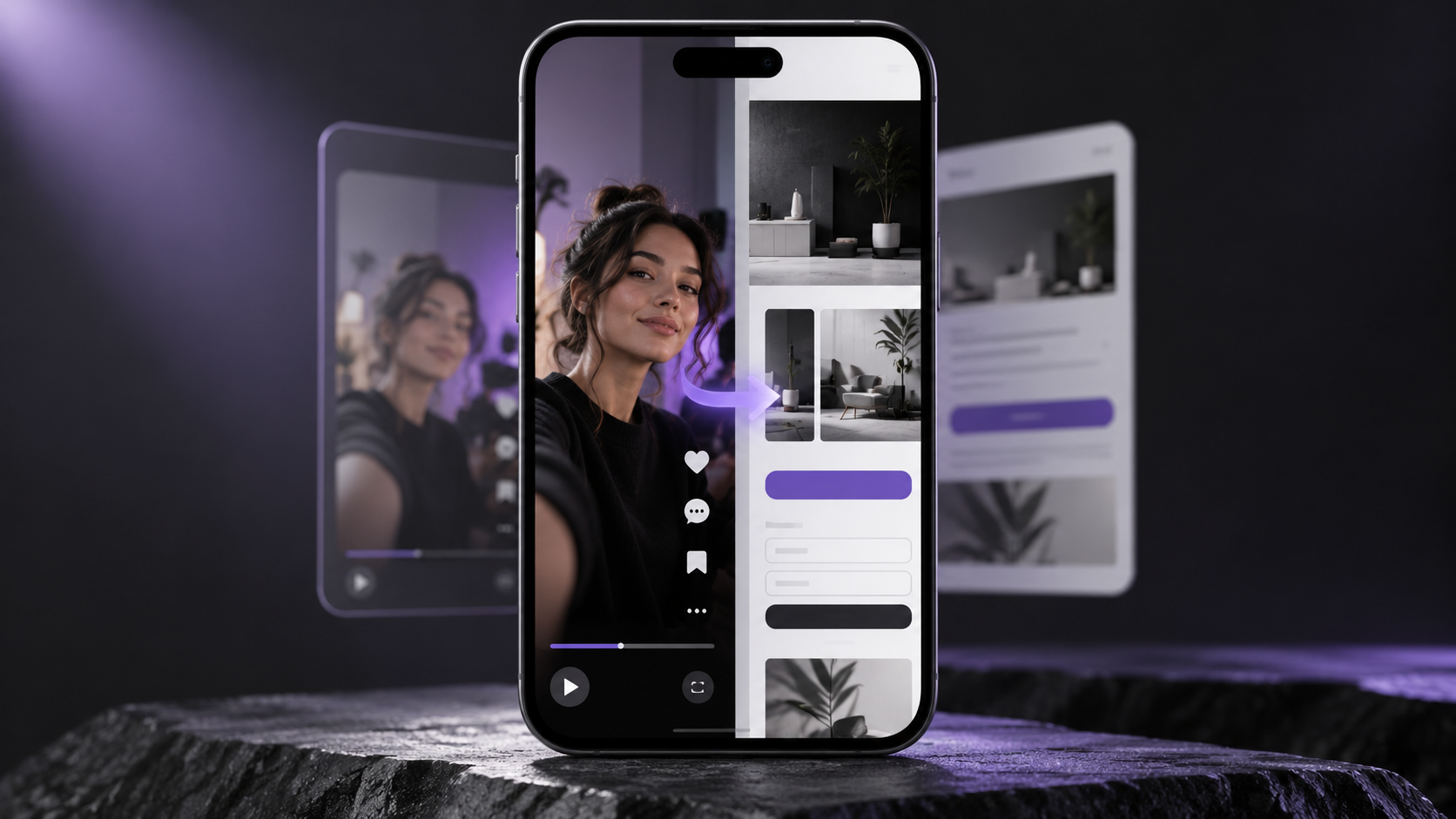
Your creator landing page can introduce your work to the wider audience while the media kit answers partnership questions.
Review it before sending
Remove private analytics identifiers, unpublished client work, and contact details you do not intend to share. Check that samples have permission to be displayed and that links are accessible without your own login.
Finally, ask someone unfamiliar with your account to explain what you make, who watches, and how to contact you after reading it. If those answers are unclear, simplify the kit.
Royal Studios helps with creator support, visual presentation, and websites. Ask us about putting your creator presence together.